
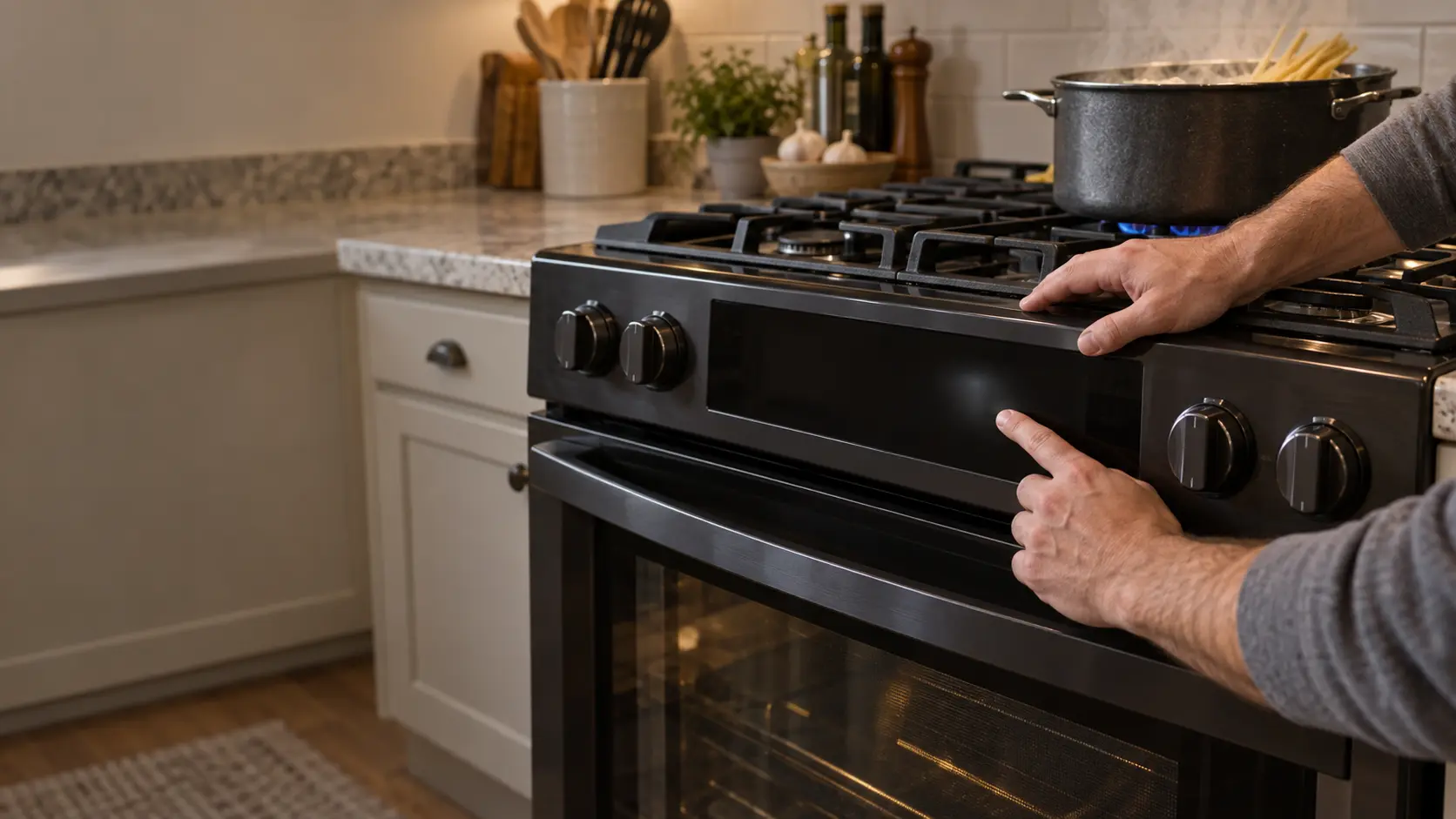

Stove
Display Blank or Flashing
The clock and display on the stove have gone dark, or they flash the time, a word or a string of characters and ignore the keys you press.
Mon–Sat, 8am–8pm
- 5 checks before you book
- 5 questions that narrow it
- 6 causes, cheapest first
Book a visit
Three short steps, about a minute.
or call (844) 415-7620
Loading appointment form…
The appointment form couldn’t load. Please try again.
What it
usually means.
The display on a stove runs from the control board, which also switches the oven and, on many models, the burners. A flashing clock after a power cut is how the stove tells you it lost power; setting the time stops it. A display that goes blank can mean the stove lost one half of its power, the board has no power at all, or the display has failed while the stove underneath still works. Steam and spills rising from the stovetop can work their way under the touch panel and make keys act up or the display flicker. After a storm or a surge, the board is the part most at risk.
 The 6 causes, cheapest first
Answer these first
Is the display blank, dim, or flashing the time or a message?
Do the burners and the oven still work with the display dark?
Did it start after a power cut, a storm or work on the electrical panel?
Do the keys respond at all, or does the stove beep without doing anything?
Has steam, a boil-over or a spray of cleaner reached the control panel?
Check these
before you book.
Stove display blank: 5 checks, and none of them costs anything.
If the display flashes the time, set the clock as the manual shows and see whether the stove works again.
If the display went dark with a burning smell, smoke or sparks, switch off the stove's breaker only if you can reach the panel away from the stove, and do not switch it back on.
Switch the stove's breaker off for five minutes and then back on to reset the controls.
Also worth checking
- Look for a lock or demo symbol and release it with the key and time your manual gives.
- Tell us what the display shows, or a photo of it, and whether the burners and oven still work.
How soon does it need a visit?
A blank or flashing display is rarely an emergency. Switch off the breaker and stop using the stove only if the controls give off a burning smell, feel hot or turn burners on by themselves.
The causes,
cheapest first.
6 things stove display blank or flashing turns out to be, from flashing clock after a power cut to control board damaged by a surge.
The cost guide-
01 no repair
Flashing clock after a power cut
A flashing time after an outage just needs the clock set. The stove will not start some functions until it is.
-
02 no repair
Control lock or demo mode
A lock symbol, a flashing word or the letters of a demo mode mean the stove is set to ignore its keys. The manual explains how to turn them off.
-
03 no repair
Half of the breaker tripped
The display can go blank when the stove loses half its power. Switch the breaker fully off and back on.
-
04 low to moderate
Moisture under the touch panel
Steam and spills can seep under the keys, making the display flicker or keys press themselves. It sometimes clears once dry; if not, the panel or keys need replacing.
-
05 moderate
Display or key panel failed
The display part of the controls can fail on its own, leaving a blank or partly lit screen while the stove still heats.
-
06 moderate to highest
Control board damaged by a surge
A power surge or storm can damage the main board, leaving the display dark and the stove unable to start.
What else
it could be.
Most often confused with stove won't turn on, then stove error code.
All problems
The makes
it happens on.
32 makes on this site; stove display blank or flashing can show up on any of them. Each mark opens that make's own page.
All 32 brandsStove Display Blank or Flashing,
where we come out.
9 metros, each with its own page.
All service areasTampa BayFL · 31 areas
Miami / South FloridaFL · 47 areas
New York MetroNY · 75 areas
HoustonTX · 36 areas
ChicagoIL · 50 areas
Los AngelesCA · 95 areas
San DiegoCA · 31 areas

Questions about
stove display blank or flashing.
Why is my stove clock flashing?
Can I use the burners if the display is dark?
My display went dark after a thunderstorm. What should I do?
The keys press themselves and the stove beeps. Is that dangerous?
Back to your everyday
Still seeing stove display blank or flashing?
Book with what you checked above — 5 answers save the technician the first part of the visit.