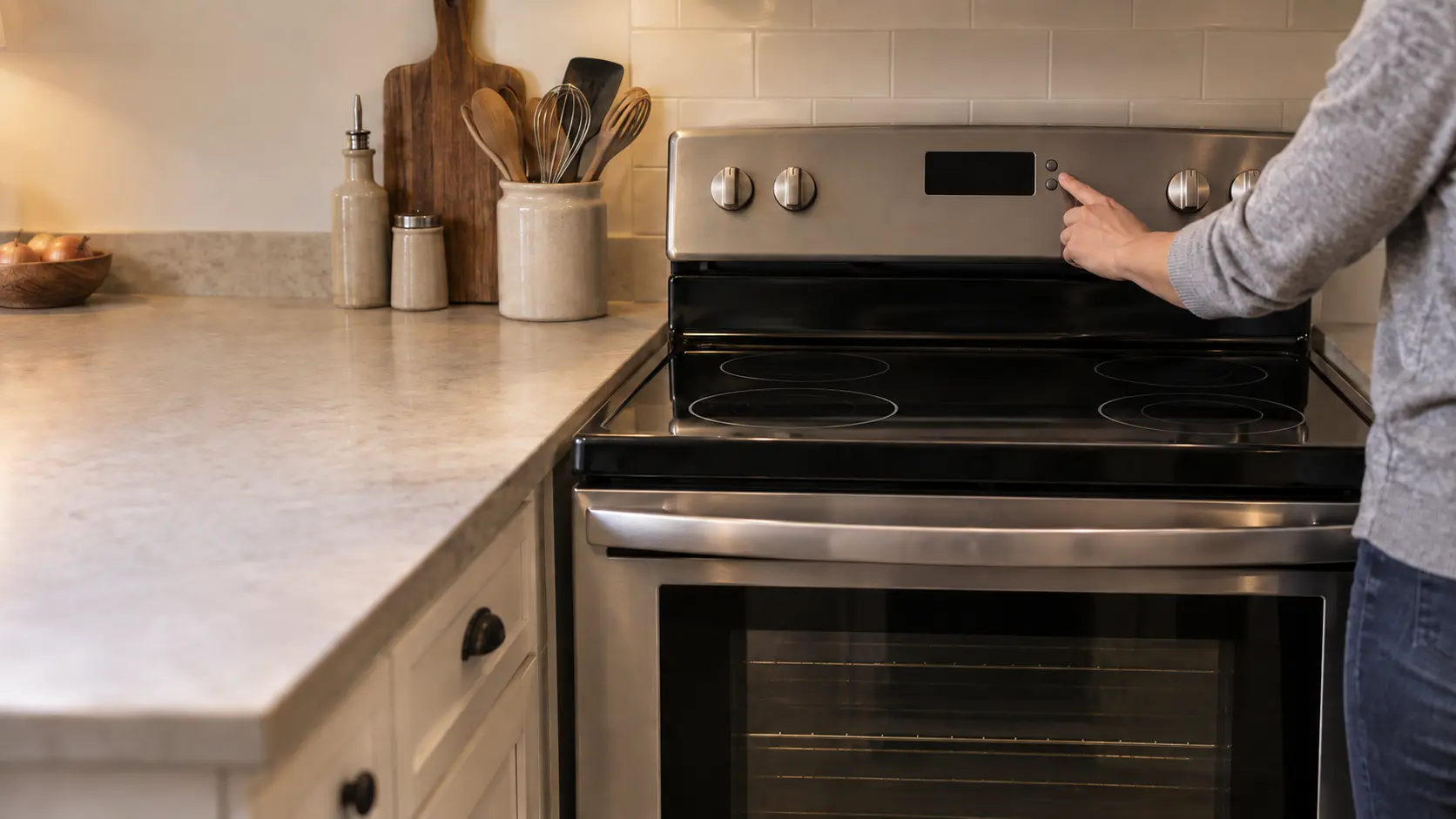


Stove checks an owner can safely make
Troubleshooting
guides.
The checks an owner can make on a stove without taking a risk, what to try when the power comes back and the stove does not, and the point where it is time to stop and book.
Mon–Sat, 8am–8pm
- Three guides
- Read before you book
- Says where to stop
Book a visit
Three short steps, about a minute.
or call (844) 415-7620
Loading appointment form…
The appointment form couldn’t load. Please try again.
Troubleshooting,
guide by guide.
This section is for the hands-on moments: after the power has come back, after a burner was taken apart and washed, or when the panel above the oven door shows something unfamiliar. Each guide lays out checks in the order worth doing them, with the reason behind each one, so you finish knowing either that the stove is fine or exactly what to tell a technician.
All 18 guides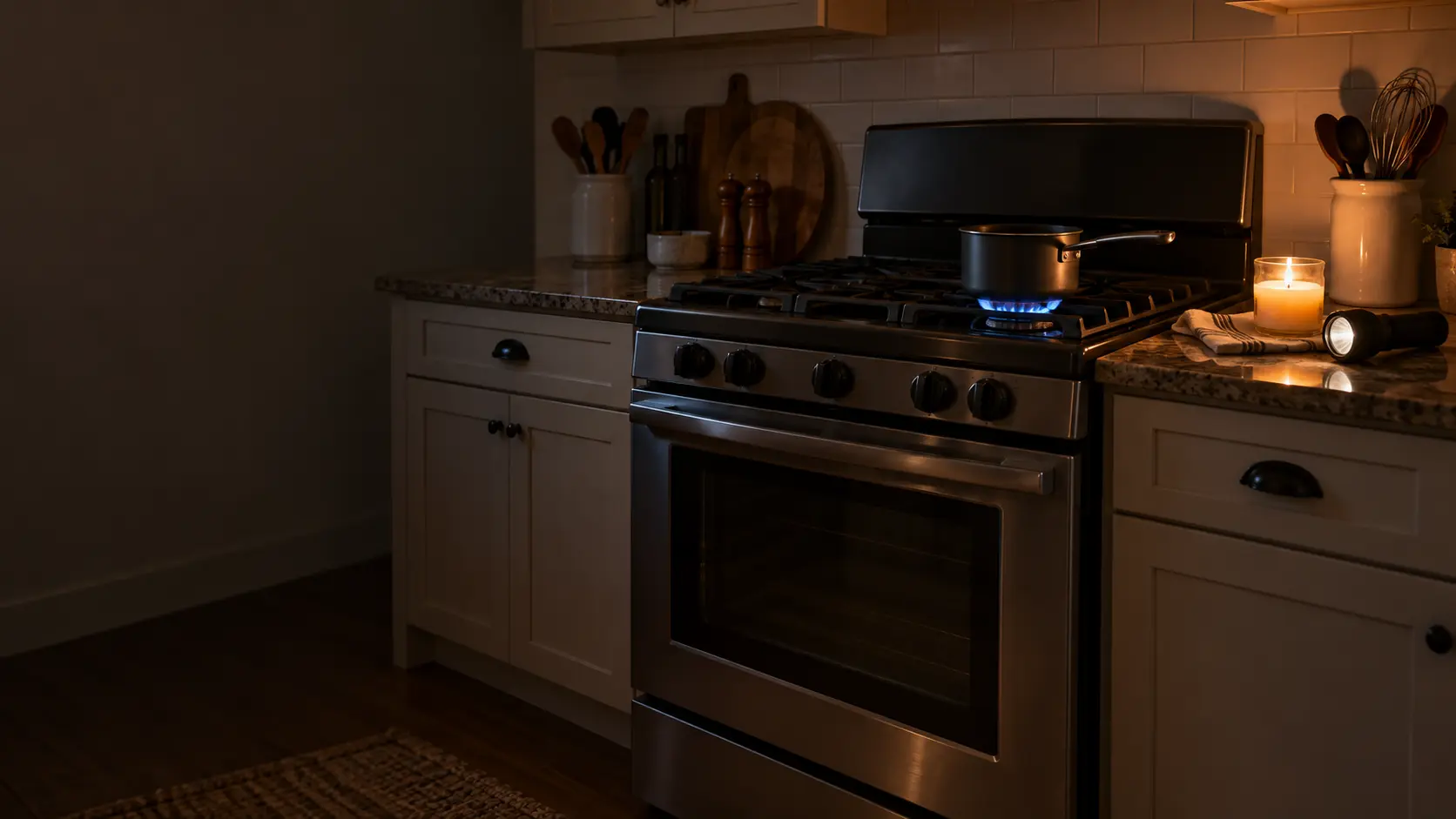


Stove checks an owner can safely make.
Nothing here asks you to remove a panel, disconnect a gas line or work on live wiring. The tools are the breaker, the knobs, a towel, a straight pin and the owner's manual, and every guide says plainly where the owner's part ends.
If the stove is doing something alarming right now, such as heating with the knob off or smelling of gas, go to the common-problems section first; the checks here assume the stove is safe to stand next to.
Not sure where to start?The short answerStove checks after a power outage, from the dark to the reset
Checking a stove after a power outage starts during the outage: turn every knob off, never heat the house with a gas stove or oven, and light gas burners by match only as the manual allows.
The short answerA burner that quit after cleaning: water, caps, coils and knobs
A burner stopped working after cleaning usually because of water or a part put back wrong: wet ports or a lifted electrode on gas, a coil not pushed fully into its socket or a sensor coated with residue on electric, a control lock set by a sponge on glass, or a knob refitted on the wrong shaft.
The short answerReading the stove display: normal signs, locks and real errors
A stove display shows the clock, timers and oven temperature, and also locks, hot-surface warnings, Sabbath or demo modes and error messages.
When reading
is not enough.
If the checks in these guides did not settle it, the visit picks up from there, stop by stop.
What repairs cost- 01The stove, tried the way you use it
- 02A number before the work
- 03Common stove parts already on board
- 04Put back, then cooked on
The problems
these answer.
Each has a page of its own, with the causes in the order worth checking.
All 17 problems


Questions about
troubleshooting.
Do I need the owner's manual for these checks?
Is it safe to reset the stove at the breaker?
What if the checks fix the problem only for a day?
The other
sections.
Split by what you are trying to find out rather than by which part of the appliance it concerns.
All guides


Back to your everyday
Let’s get your stove working again.
Three short steps online, or one call. Tell us what you are seeing and pick a window that works.