What the display is there to tell you
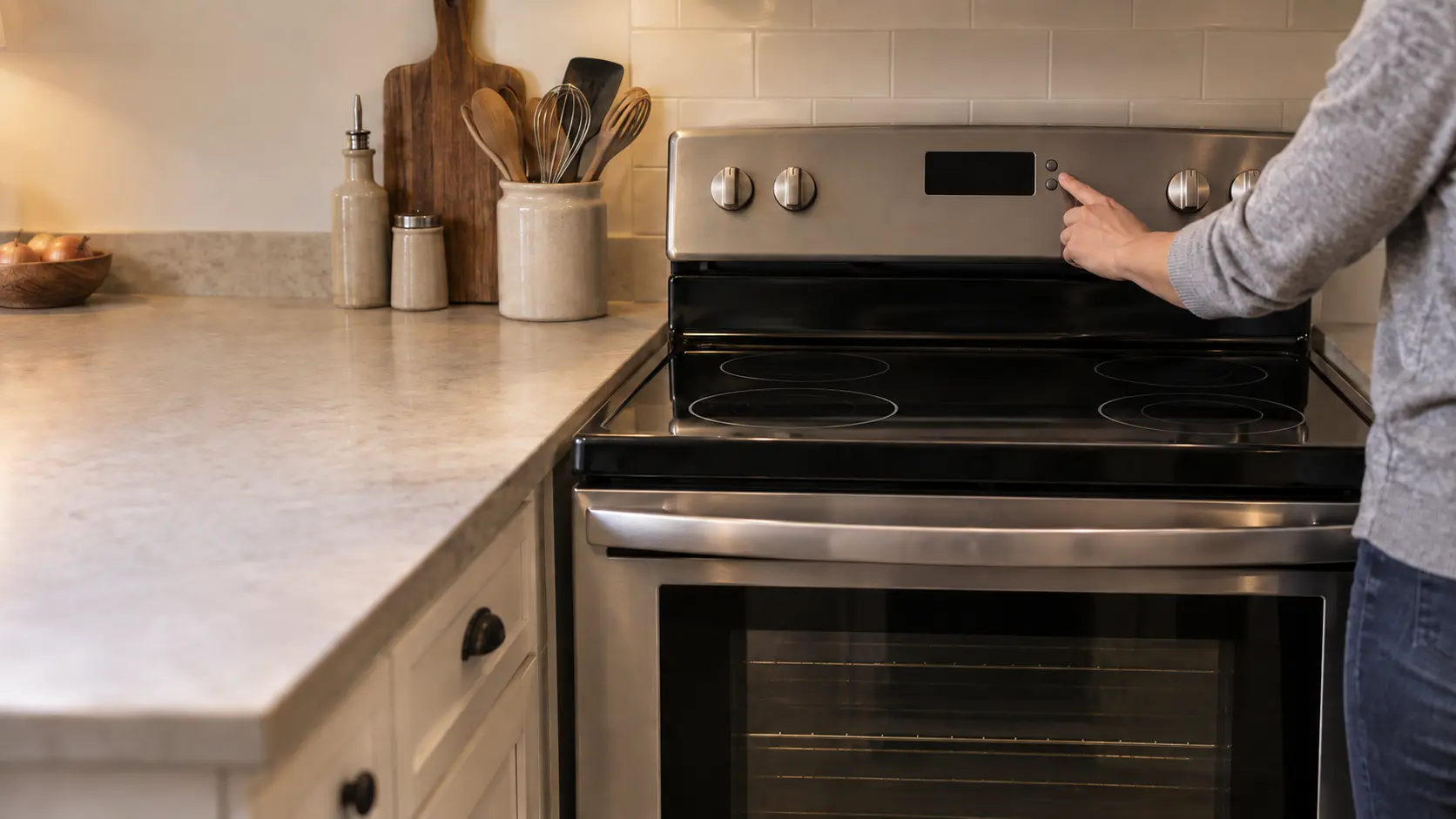
On a stove with electronic controls, the panel is the only way the stove can talk. It shows the time and timers, the oven temperature as it climbs, and the mode in use. It also reports states: that the controls are locked, that the glass is still hot, that the oven door is latched, that the stove is in a special mode, or that it has detected something wrong.
Older stoves with dials and a simple clock show far less, and much of what they show is mechanical. On those, a blank clock can be as simple as a fuse, which GE notes some older models had behind a rear burner to protect the clock and outlet.
Source: GE Appliances — Clock failure or appliance receptacle will not work — Older models had a 15 amp fuse, usually behind the left rear burner, protecting the clock and appliance receptacle
Signs that are not a problem at all
A surprising share of worried calls are about lights and symbols that are doing their job. Before assuming anything, compare what you see with the list below and with the special features chapter of the owner's manual.
- Two dots between hours and minutes blinking: GE calls it normal on some models once the clock is set.
- A hot-surface word or light on a glass top after cooking: GE says timed versions stay on for up to 30 minutes, even if the glass feels cool.
- A flashing power level on an induction zone: GE explains the zone is waiting for a magnetic pan of the right size, and it switches off after about 25 seconds without one.
- An oven that shows settings but ignores most keys during a religious holiday: Sabbath mode, described in the manual's special features.
- Flashing time or zeros after a storm: the clock lost power and needs setting.
Sensor lights and timed lights
Hot-surface warnings come in two kinds. Timed ones simply count down after the last burner is switched off. Sensor ones watch the glass itself, and GE notes that on some models they go out once the surface drops below 150°F. If every burner has been off and cool for 45 minutes to an hour and the light is still on, GE's advice is to disconnect power and book service.
Source: GE Appliances — Blinking colon — A blinking colon in the clock is normal operation on some models if the clock is set; GE Appliances — Hot surface indicator — Timed indicators stay on up to 30 minutes; if the light is on after 45 minutes to 1 hour, disconnect power and contact service; GE Appliances — Induction burners not working or flashing power level — With a non-magnetic or too-small pan the power level flashes for 25 seconds and then turns off; GE Appliances — Oven will not come on — Most current models have a Sabbath mode, described in the owner's manual special features

Lock symbols and door messages
A padlock icon, a lock word or a door message usually means a lock is doing its job. Nearly every electronic stove has a control lock that keeps children and elbows from starting burners or the oven, and a door lock that holds the oven shut during self-clean and while the cavity is too hot to open.
GE describes one case in detail: a door-lock message flashing when no self-clean has been chosen often means the control lockout has been turned on. Its guidance is to check for the lockout first and, on some models, to hold CLEAR/OFF for three seconds to release it. The manual gives the key and hold time for each model.
A lock that will not release after self-clean
After a cleaning cycle the door stays locked until the oven has cooled, which can take a while. Wait for the cavity to cool fully before deciding the lock has stuck. A door that stays locked long after the oven is cold, with a lock message on the display, is a latch or control problem for a technician.
Demo mode on a new stove
A new electric stove that shows lights and menus but never heats may be in demo mode. GE explains that its electric models enter demo mode when they receive only 120 volts, as dealers use in showrooms, and leave it on their own once wired to 240 volts. If a breaker reset does not clear it, the power connection needs checking.
Source: GE Appliances — LOC DOOR flashes in the display — A flashing door-lock message without self-clean selected: check whether the control lockout is engaged; GE Appliances — Oven has power but does not work — On some models hold CLEAR/OFF for 3 seconds to release the child lockout; the display can be turned off from options
A blank, dim or scrambled display
When the display goes dark but the oven light still works, the stove has power and the display or its board has stopped responding. GE's first step for a blank clock is to cut the stove's power for 30 seconds and restore it, which resets the controls; then set the clock. The same reset is its advice for a display that has started to dim or lose segments of its digits.
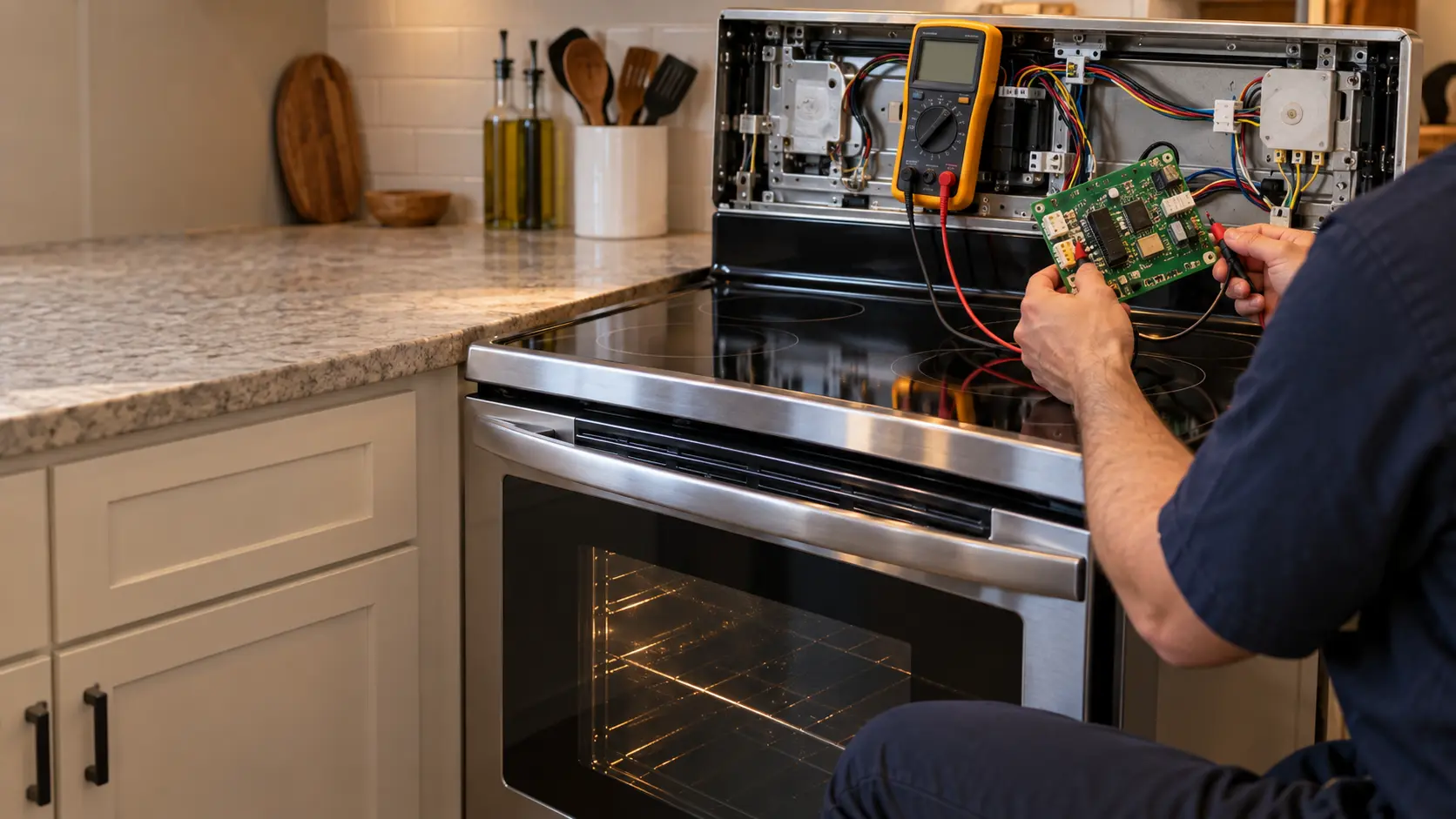
If a reset brings the panel back only for a day, or the numbers stay broken, the display or control board is failing. Keep notes on when it happens: after the oven has been on a while, only in humid weather, or right after a power flicker. Each pattern points somewhere different.
Source: GE Appliances — Clock display is blank — Unplug for 30 seconds to reset the controls, then set the clock; GE Appliances — Display dimming or not displaying properly — Missing segments or dimming: disconnect power for 30 seconds; if that does not help, service is needed
When letters and numbers mean an error
Most makers reserve a string of letters and digits for real errors: a temperature sensor out of range, a door lock that did not move, a key that seems stuck, a board that lost contact with another. The same string can mean different things on two brands, so the code alone is never enough; our error-code pages list the ones makers publish, grouped by what they point to.
One power reset is reasonable. Repeated resets are not, because they can hide a problem that is getting worse, and some errors switch the oven off for a reason.
- Copy every character, including dashes, dots and the difference between the letter O and zero.
- Note whether the oven or burners switched off when it appeared.
- Look up the maker's meaning before the visit, but do not act on a guess.
Writing it down so it helps
Take a photo of the panel while the message is showing. Note whether it appeared during baking, self-clean, preheating or at rest, whether any beeping came with it, and whether it clears on its own. Add the model and serial numbers from the plate, and the technician can often arrive with the right part.