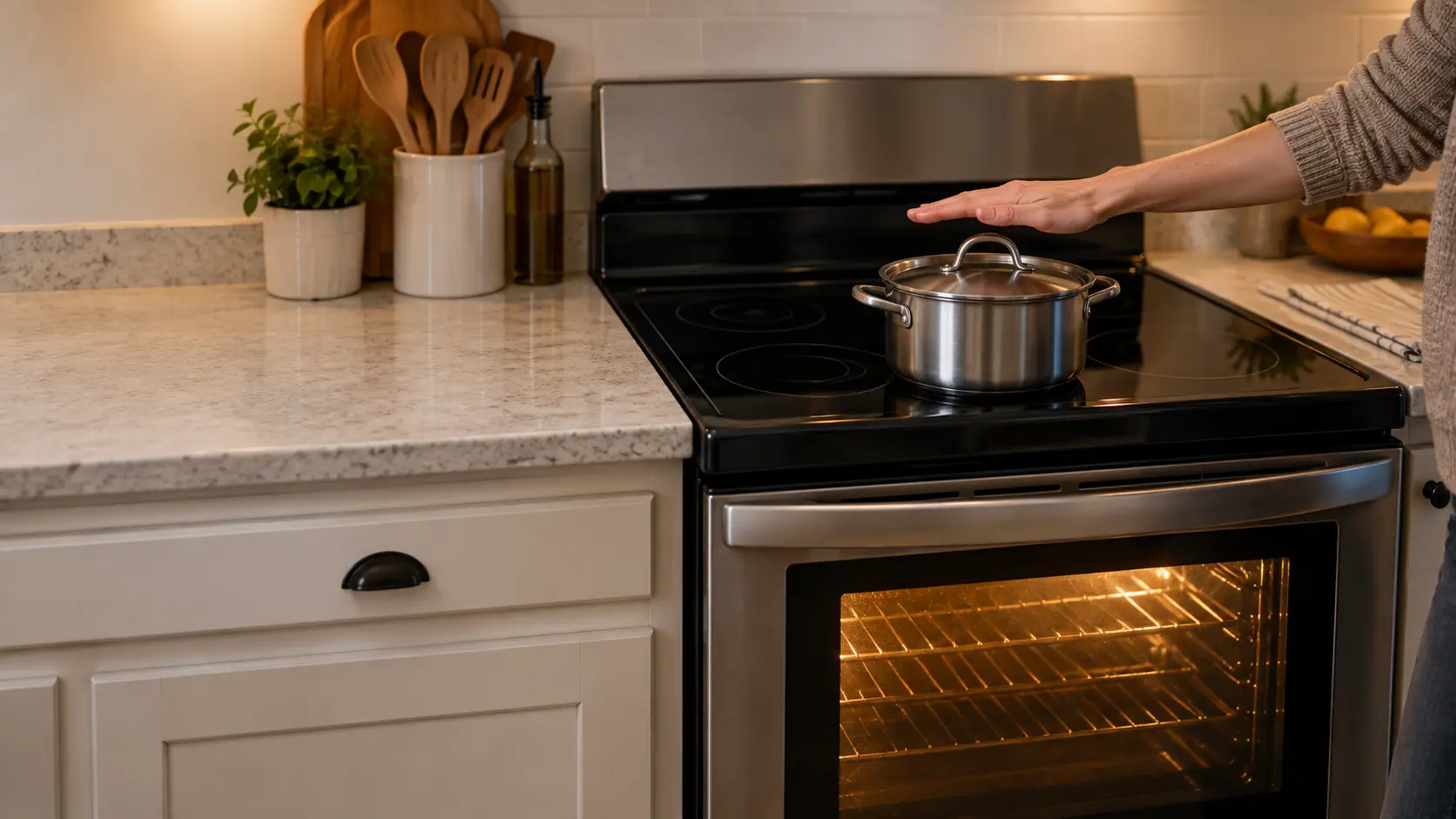
Three kinds of dead, and why the difference matters
Before touching anything, stand in front of the stove and take stock. Open the oven door and see whether the cavity light comes on, look at the clock, and turn one burner knob or touch one key. The answer sorts the problem into one of three groups, and each group has a different first check.
People often say the stove is dead when only the oven is, or when only the burners are. That detail changes the whole visit, so write it down while it is fresh.
A dark panel and cold burners
Nothing lights, nothing beeps, no burner warms. This is almost always supply: a tripped breaker, a blown fuse in an older home, or a plug that has worked loose from its outlet. It is the best version of the problem to have, because the fix is often one switch.
A lit clock with nothing heating
On an electric stove, a clock that runs while every element stays cold is the classic sign of partial power. GE Appliances explains that its electric models need 240 or 208 volts, and that with only part of that supply the clock may work while the burners do not heat properly. One half of a two-pole breaker has usually tripped, or a wire in the cord connection has loosened.
One half works, the other does not
Burners heat but the oven will not, or the oven bakes while the top stays cold. Supply is rarely the answer here, since the stove clearly has power. Look at the settings described further down first, then at the part that serves the dead half: an element, an igniter or a switch.
The breaker panel comes first
Find the breaker marked for the stove. On an electric model it is a double-width switch, two handles tied together, usually rated higher than the lighting circuits around it. A tripped breaker can sit in a middle position that looks almost on, so push it firmly to off and then back to on rather than trusting its look. GE also advises making sure neither of the two breakers has tripped where a stove has a pair.
A gas stove is simpler on the electrical side. It runs from an ordinary 120-volt outlet that powers the clock, the lights, the spark igniters and the oven igniter, and it can share a kitchen circuit with other things. If the countertop outlets nearby are dead too, the stove is only one victim of a tripped kitchen circuit or a GFCI outlet with its reset button popped out.
- Breaker handle in the middle or leaning toward off: push it fully off, then on.
- Screw-in fuses in an older panel: a blown one has a dark or broken window.
- Breaker trips again the moment it is reset: stop there and leave it off.
- Other kitchen outlets dead on a gas stove: press the reset button on any GFCI outlet nearby.
Source: GE Appliances — No power, blank display — Check that the plug is firm and that neither of two breakers has tripped, or that a fuse is not blown
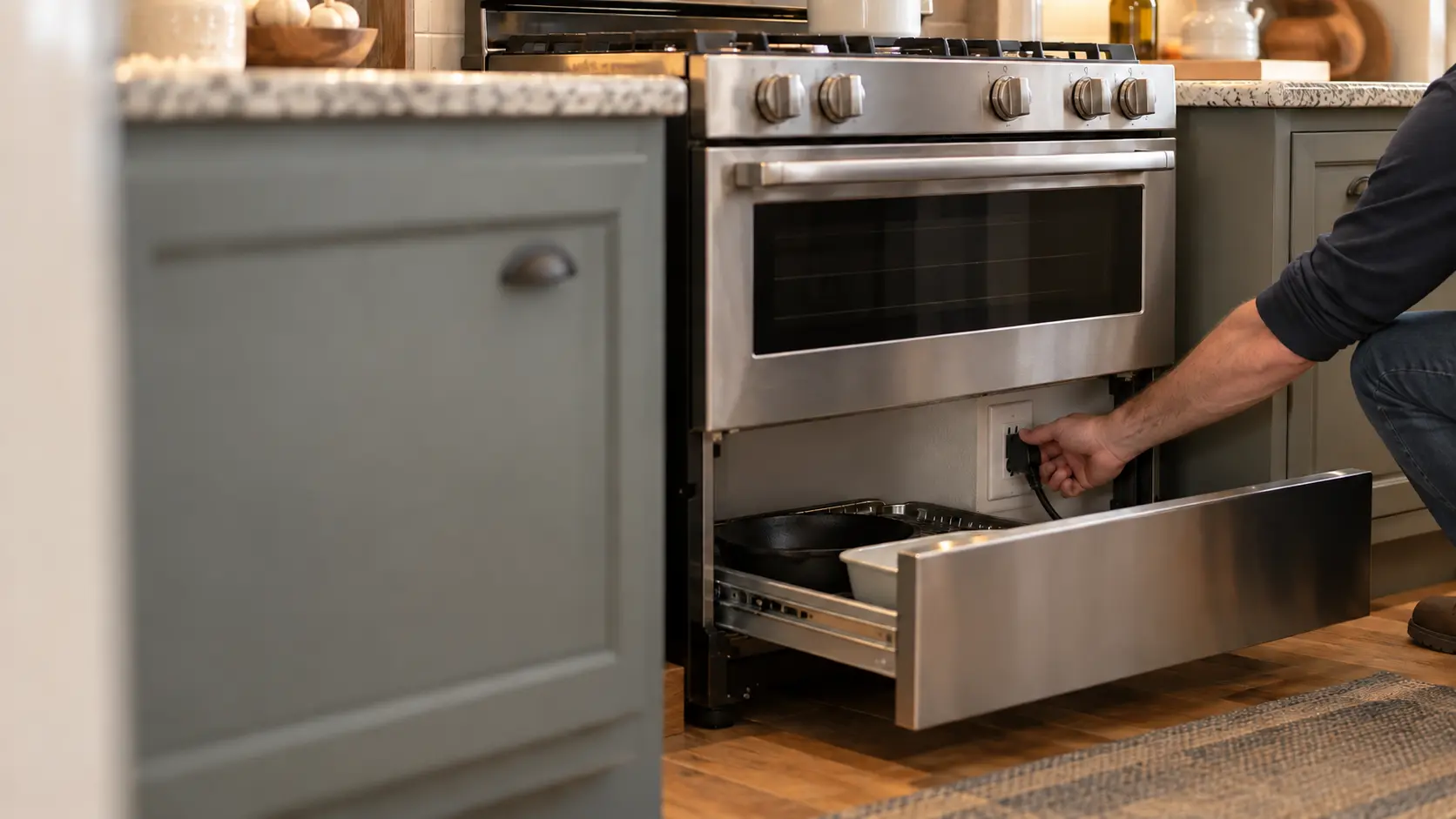
Where the plug hides on a freestanding or slide-in stove
The outlet sits low on the wall behind the stove, and on most freestanding and slide-in models the storage drawer at the bottom slides out to show it. GE's guidance is to turn the breaker off before checking the cord, then make sure the plug is pushed fully home. A plug that is half out can pass enough current to light a clock and not enough to heat anything.
Use a flashlight rather than your hand to look first. You are checking for a plug seated flat against the outlet, a cord with no kinks or melted spots, and a wall plate that is not discolored.
Signs at the outlet that end the owner's part
Brown or black marks on the plug, a cord jacket that has gone soft or shiny, a smell of hot plastic, or a plug that feels loose in a cracked outlet all mean heat has built up at the connection. Leave the breaker off. Replacing a cord or an outlet on a 240-volt circuit is work for a technician or an electrician.
Source: GE Appliances — No power, not coming on — Remove the storage drawer to see the cord; flip the breaker off and on; check the cord for burned or broken wires; GE Appliances — Oven will not come on — Breaker off before checking the cord; knobs put back in the proper location; reset by breaker off one minute; most models have a Sabbath mode
Settings that make a healthy stove look dead
Modern stoves carry several features that deliberately stop them from heating, and most owners switch one on without meaning to. A child pressing keys, a sponge dragged across a touch panel or a visitor exploring the menu can each leave a working stove refusing every command.
GE lists several of these for ovens that have power but will not run: some models refuse oven functions until the clock is set, some have a child lockout that holding CLEAR/OFF for three seconds releases, and some let the display be switched off from an options menu. Your owner's manual names the exact keys for your model.
- A padlock symbol or a lock message: the control lock is on.
- The oven ignores every key but the clock runs: check for Sabbath mode, which GE says most current models include.
- The display shows lights and features but nothing heats on a new installation: demo mode, which GE says appears when an electric model receives only 120 volts.
- Knobs recently pulled for cleaning: GE notes they must go back in the right spot and position.
Source: GE Appliances — Oven will not come on — Breaker off before checking the cord; knobs put back in the proper location; reset by breaker off one minute; most models have a Sabbath mode; GE Appliances — Oven has power but does not work — Some models need the clock set before oven functions work; child lockout released by holding CLEAR/OFF for 3 seconds on some models; display can be switched off in options; GE Appliances — Stuck in demo mode — Electric models go into demo mode on a 120-volt supply or with partial power
What a dead stove usually means on each kind
On a gas stove, no clicking and no clock together point to the 120-volt supply. If the clock runs and only the oven stays cold, the oven igniter is the usual suspect, since it has to glow before the gas valve opens. On an electric coil stove, a single cold burner is a different complaint from a dead stove, and a swap test with a burner of the same size settles it.
A smooth glass or induction stove depends on its electronics more than any other kind. An induction zone that flashes its power level and then shuts off has not failed; GE explains that it is waiting for a magnetic pan of the right size. Heritage stoves from European makers often have their own control layouts and model plates in unusual places, so photograph the plate before calling.
Source: GE Appliances — Induction burners not working or flashing power level — A non-magnetic or undersized pan makes the power level flash and the zone turn off; GE Appliances — Lighting burners during a power failure — Surface burners can be lit with a match in an outage; the oven cannot, because its ignition system and gas valve need power