


LG stove shows F3 and the touch pad acts up
LG calls F3 a touch pad sensor key error.
Mon–Sat, 8am–8pm
- Knobs, keys and display
- Knob and switch replacement
- Source: LG
Book a visit
Three short steps, about a minute.
or call (844) 415-7620
Loading appointment form…
The appointment form couldn’t load. Please try again.
What F3
actually means.
LG calls F3 a touch pad sensor key error. Moisture, a spill or a worn key can make the control think a key is being held, and LG's first step for this code is a breaker reset rather than the CLEAR/OFF key.
LG stove display
What to do when F3 shows on the stoveKind of codeKnobs, keys and display
A key on the panel was held down too long, reported a press nobody made, or stopped answering; or a knob's switch told the stove it was on when it was off. Water, a spill or grease worked in behind a knob is ruled out first, then the switch, the key panel and the cable to the board. If a burner keeps heating while the keys or knobs do nothing, switch the stove off at the breaker.
Usually leads toKnob and switch replacement
Stove knobs that are cracked, loose or spin in place, and the switches behind them that leave a burner stuck on high or dead, replaced at the knob, the stem or the switch.
Shows up asStove Display Blank or Flashing
The clock and display on the stove have gone dark, or they flash the time, a word or a string of characters and ignore the keys you press.
MakeLG
The Korean electronics maker whose freestanding and slide-in stoves often come with app controls.
SourceLG Help Library: range error codes list (Wayback, 23 Jun 2025)
F3 is listed here: LG's Help Library code list (Wayback copy of 23 June 2025); the list names no models, so the rating label decides whether your stove can show it.
Before you book,
in this order.
Each step comes from LG's own guidance for F3 on its stoves. Follow it to the end: the last card says whether this is a visit.
Wipe the touch pad clean and dry.
Switch the breaker off, wait 30 seconds and switch it back on.
Book a visit if F3 returns once the panel is dry.
Still there?
It usually turns into knob and switch replacement. Book with the code and the model number.
What not to do
F3 is not an oven heating or sensor problem. It is limited to the keys you press.
What you may
notice with it.
The stove problems F3 tends to arrive with. Answer these at the stove before anyone is booked.
All problems
Where F3 usually leads
Knob and switch replacement.
LG
stoves.
The Korean electronics maker whose freestanding and slide-in stoves often come with app controls.
LG stove repair
Gas stove
A stove with gas burners on top, whether its oven below runs on gas too or on electricity, fed by one gas line behind it and plugged into a wall outlet for the spark.
Electric stove
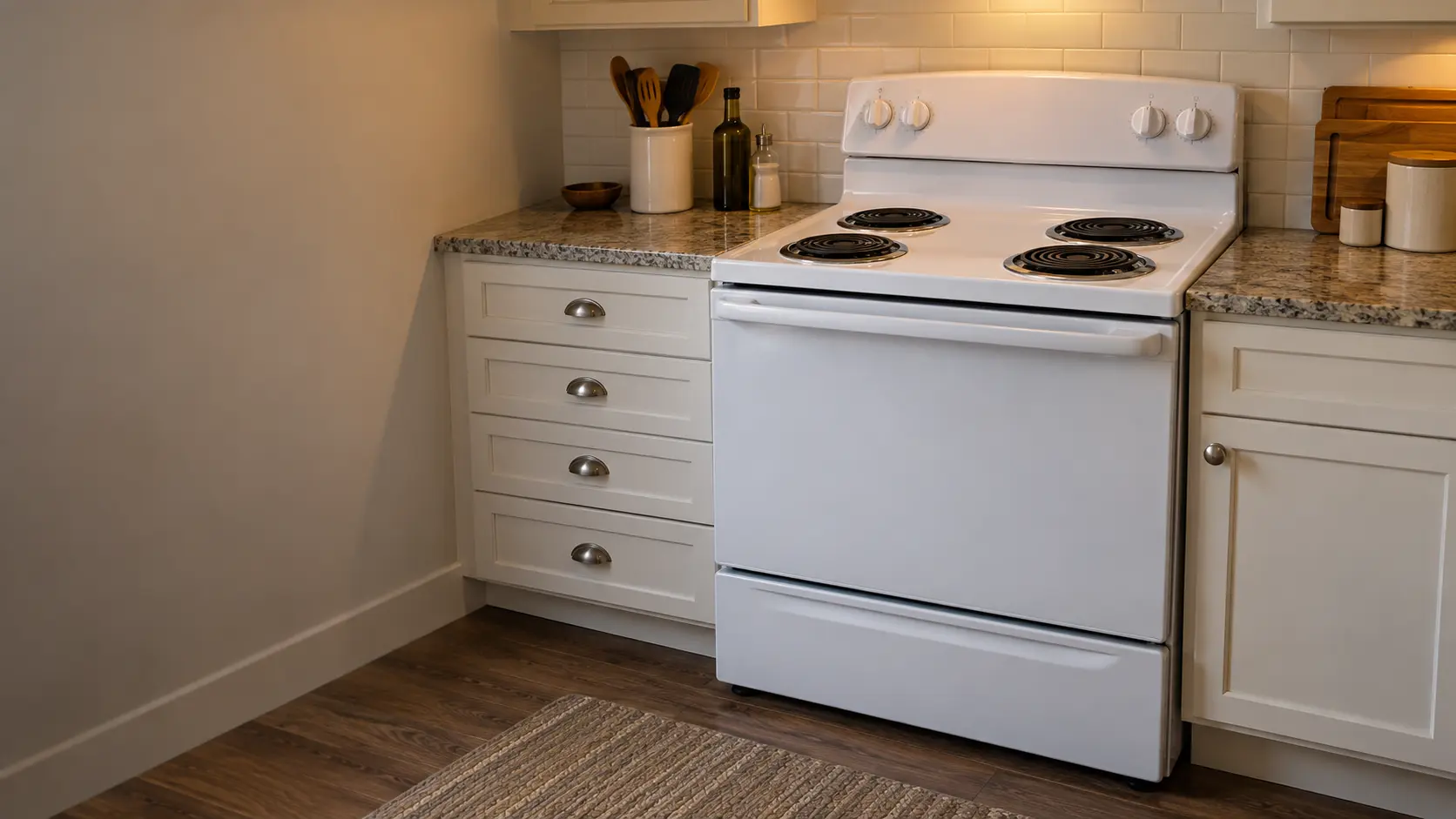
A stove that runs entirely on electricity through a heavy cord and a large outlet behind it, with coil burners that lift out or a smooth glass stovetop with elements under it.

Induction stove
A stove with a flat glass top that heats the pan itself through a magnetic field, run by touch keys and power boards, with an electric oven underneath.
In LG's own words
F3 indicates a Touch Pad Sensor Key Error
Every code on this site is taken from the manufacturer's documentation, never from a forum or a parts listing. F3 is listed here: LG's Help Library code list (Wayback copy of 23 June 2025); the list names no models, so the rating label decides whether your stove can show it.
LG F3 stove repair,
where we come out.
The same visit in every metro below: the code, the model number, and a diagnosis before any part is ordered.
All service areasTampa BayFL · 31 areas
Miami / South FloridaFL · 47 areas
New York MetroNY · 75 areas
HoustonTX · 36 areas
ChicagoIL · 50 areas
Los AngelesCA · 95 areas
San DiegoCA · 31 areas

Questions
about F3.
Can I clear F3 myself?
Why did my LG show F3 after I wiped the panel?
My LG beeps and shows F3 when nobody touches it. What is happening?
Can I just keep pressing CLEAR/OFF on my LG with F3?
Back to your everyday
Still showing F3?
Book with the code written exactly as the stove shows it, the full model number, and whether you notice any smell of gas or hot wiring — when there is a code, that is where the diagnosis starts.