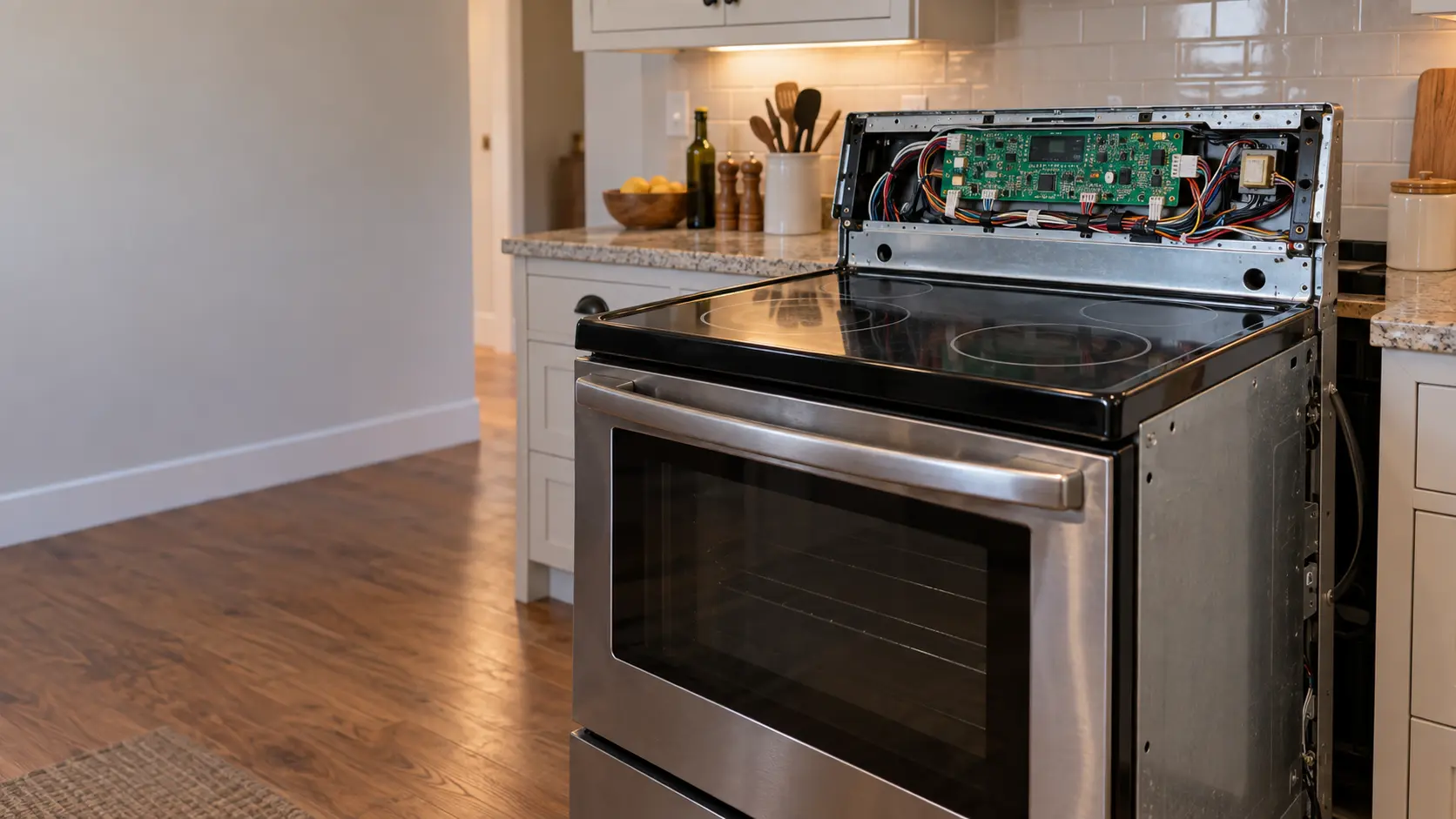
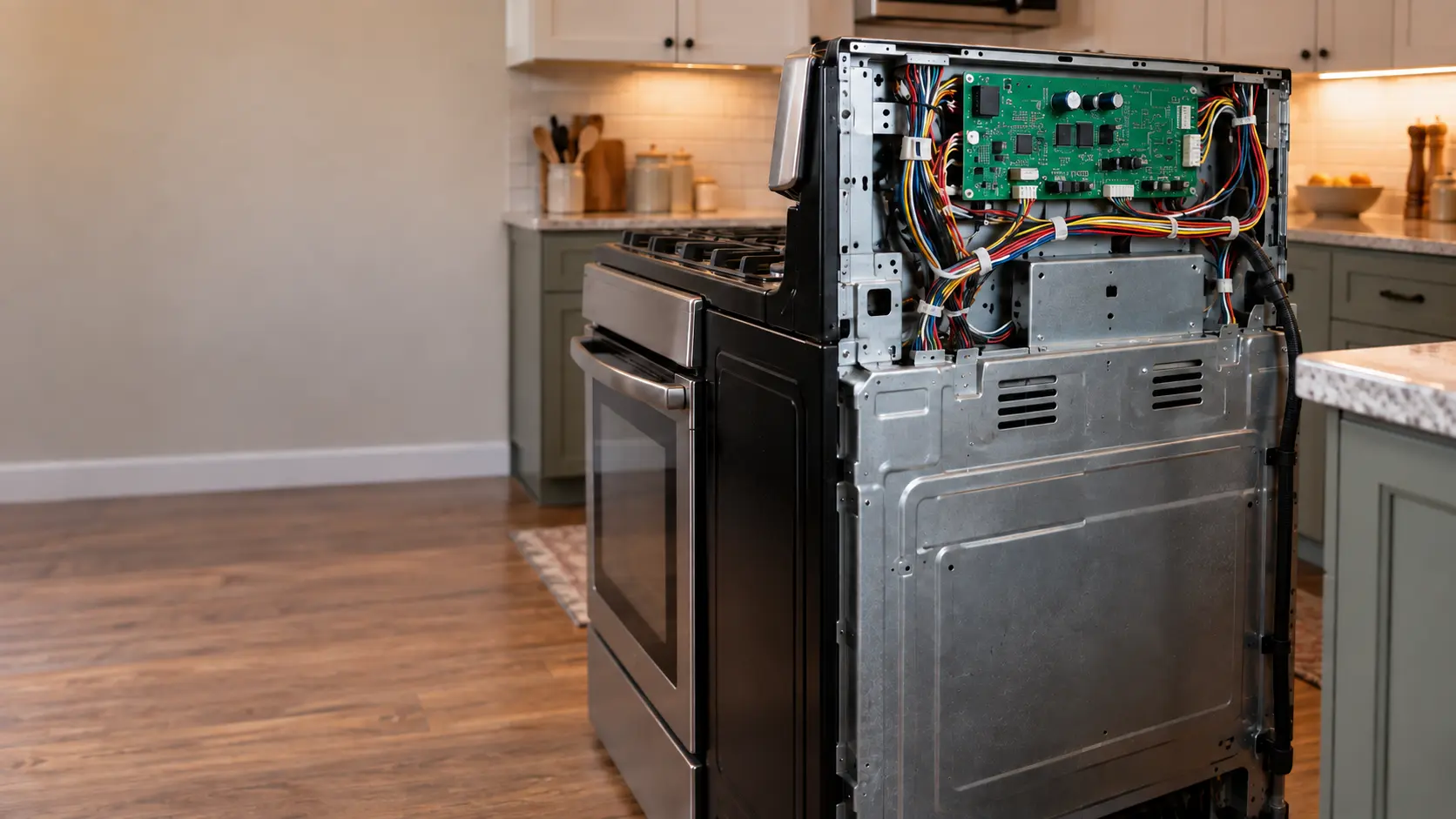

KitchenAid commercial-style stove blinking amber lights
On a KitchenAid commercial-style stove, the knob lights blink amber and a tone sounds when the control has found an error.
Mon–Sat, 8am–8pm
- Control board and power
- Control board and display repair
- Source: KitchenAid
Book a visit
Three short steps, about a minute.
or call (844) 415-7620
Loading appointment form…
The appointment form couldn’t load. Please try again.
What Blinking amber lights
actually means.
On a KitchenAid commercial-style stove, the knob lights blink amber and a tone sounds when the control has found an error. The light itself does not tell you which one; the code is read from the KitchenAid app or by a technician.
KitchenAid stove display
What to do when Blinking amber lights shows on the stoveKind of codeControl board and power
The main board failed its own start-up check, lost contact with the display, or saw the supply voltage sag too low, often after a storm, a power outage or a spill that ran down behind the panel. The breaker, the cord and the outlet are ruled out before a board is replaced. A stove that sparks, smells of hot wiring or keeps heating while this code shows is switched off at the breaker first.
Usually leads toControl board and display repair
Stoves with a blank or flashing display, touch keys that do not answer, codes that keep returning or a stove that will not turn on, traced to the board, the keypad or the power to them.
Shows up asStove Display Blank or Flashing
The clock and display on the stove have gone dark, or they flash the time, a word or a string of characters and ignore the keys you press.
MakeKitchenAid
A Whirlpool Corporation brand whose stoves come in gas, electric and induction versions.
SourceKitchenAid product help: blinking amber light, commercial-style
KitchenAid commercial-style stoves with Mode and Temp knobs.
Before you book,
in this order.
Each step comes from KitchenAid's own guidance for Blinking amber lights on its stoves. Follow it to the end: the last card says whether this is a visit.
Clear the control by moving the Temp knob away from Off and then back to it.
If the stove is connected, open the KitchenAid app and look under Settings, Service and Support, Appliance Error.
If the amber lights come back, book a visit and note any code the app shows.
Still there?
It usually turns into control board and display repair. Book with the code and the model number.
What not to do
Blinking amber is not the same as blinking white. White lights on these stoves usually mean a setting step was missed.
What you may
notice with it.
The stove problems Blinking amber lights tends to arrive with. Answer these at the stove before anyone is booked.
All problems
Stove Display Blank or Flashing
6 causes, cheapest first
Where Blinking amber lights usually leads
Control board and display repair.
KitchenAid
stoves.
A Whirlpool Corporation brand whose stoves come in gas, electric and induction versions.
KitchenAid stove repair
Gas stove
A stove with gas burners on top, whether its oven below runs on gas too or on electricity, fed by one gas line behind it and plugged into a wall outlet for the spark.
Electric stove
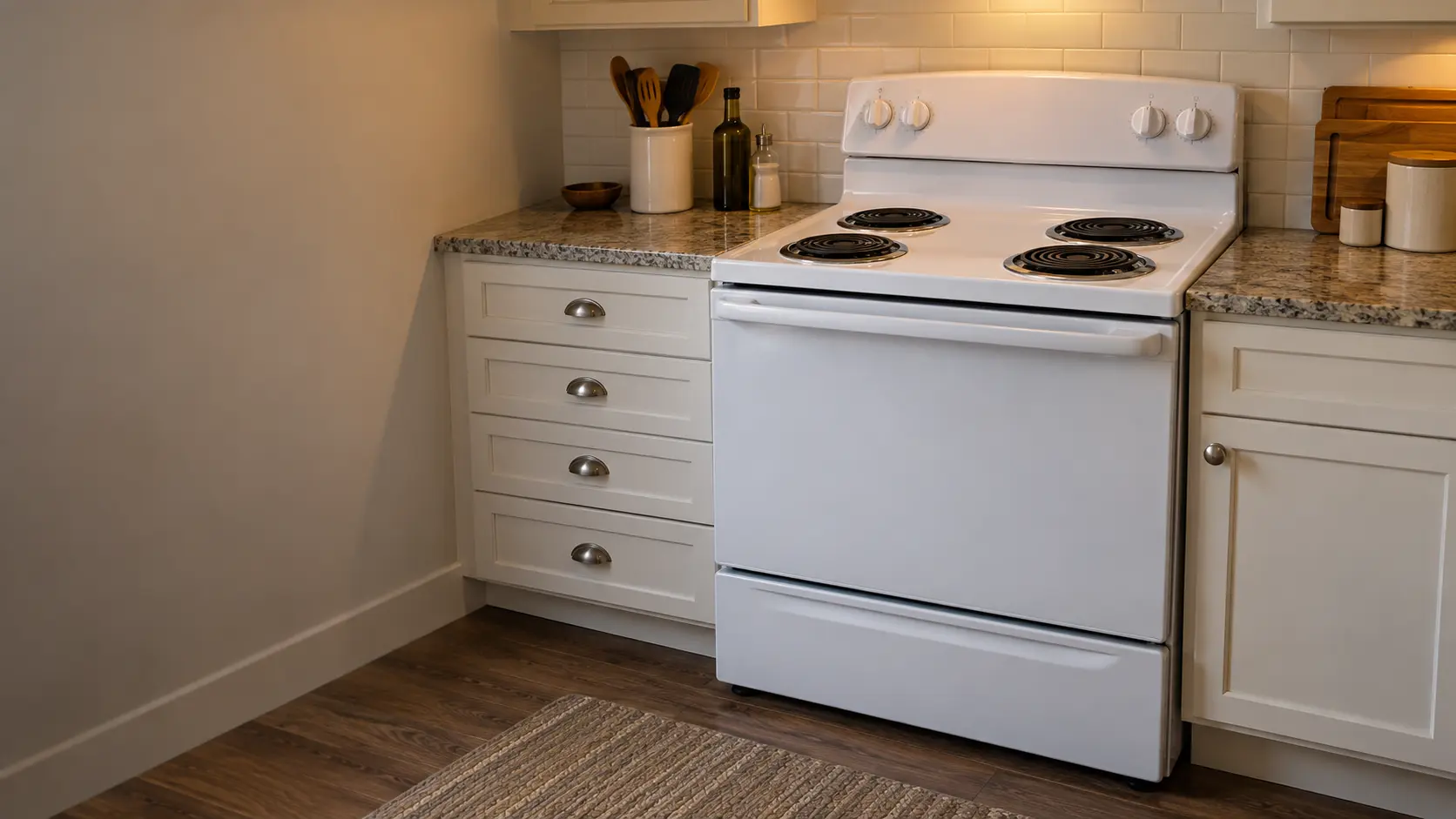
A stove that runs entirely on electricity through a heavy cord and a large outlet behind it, with coil burners that lift out or a smooth glass stovetop with elements under it.

Induction stove
A stove with a flat glass top that heats the pan itself through a magnetic field, run by touch keys and power boards, with an electric oven underneath.
In KitchenAid's own words
If your range is blinking amber-colored lights followed by a tone this is an indication of an error.
Every code on this site is taken from the manufacturer's documentation, never from a forum or a parts listing. KitchenAid commercial-style stoves with Mode and Temp knobs.
KitchenAid Blinking amber lights stove repair,
where we come out.
The same visit in every metro below: the code, the model number, and a diagnosis before any part is ordered.
All service areasTampa BayFL · 31 areas
Miami / South FloridaFL · 47 areas
New York MetroNY · 75 areas
HoustonTX · 36 areas
ChicagoIL · 50 areas
Los AngelesCA · 95 areas
San DiegoCA · 31 areas

Questions
about Blinking amber lights.
Can I clear Blinking amber lights myself?
How do I find the code behind the amber lights on my KitchenAid?
My KitchenAid amber lights stopped after I turned the Temp knob off. Am I done?
Do amber lights on a KitchenAid affect the gas burners?
Back to your everyday
Still showing Blinking amber lights?
Book with the code written exactly as the stove shows it, the full model number, and whether you notice any smell of gas or hot wiring — when there is a code, that is where the diagnosis starts.